Introducing Inventory OS — import, version, and govern SKU state
2026-04-25
By Palisade Research
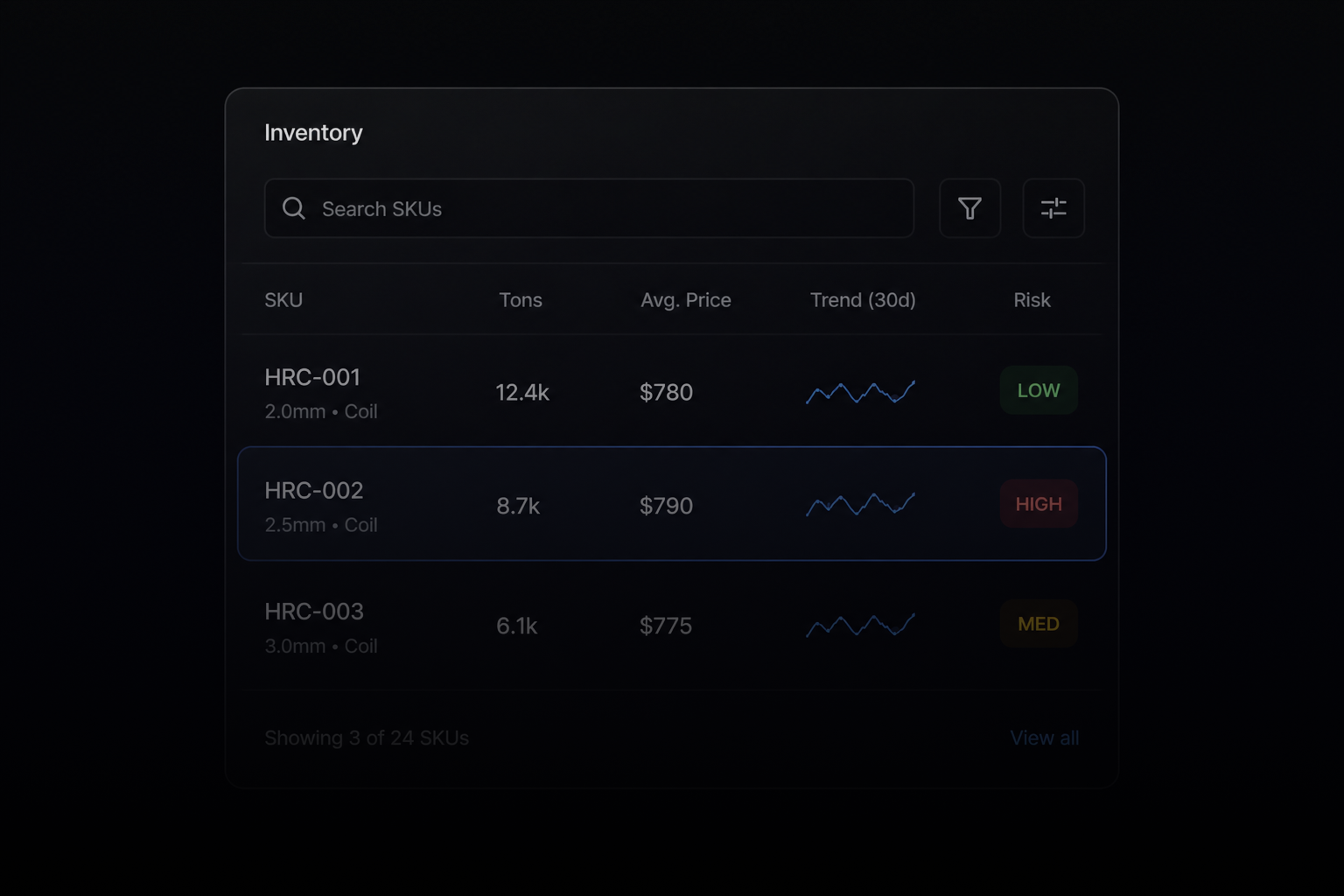
Inventory OS is the data layer beneath Forge. Excel-to-table in seconds, versioned inventories, governed merges, and live asset state — the foundation every other Forge system reads from.
Inventory OS is the foundation of Forge. Every other system — Citadel, Converse, Mission Control, Exchange, Provenance — reads from inventory state. If onboarding a distributor's inventory takes weeks, none of those systems get used. If onboarding takes seconds, the operator is already inside the loop.
This note introduces what Inventory OS is, how it handles import, versioning, and governance, and how distributors use it to keep their data clean enough to act on.
What Inventory OS is
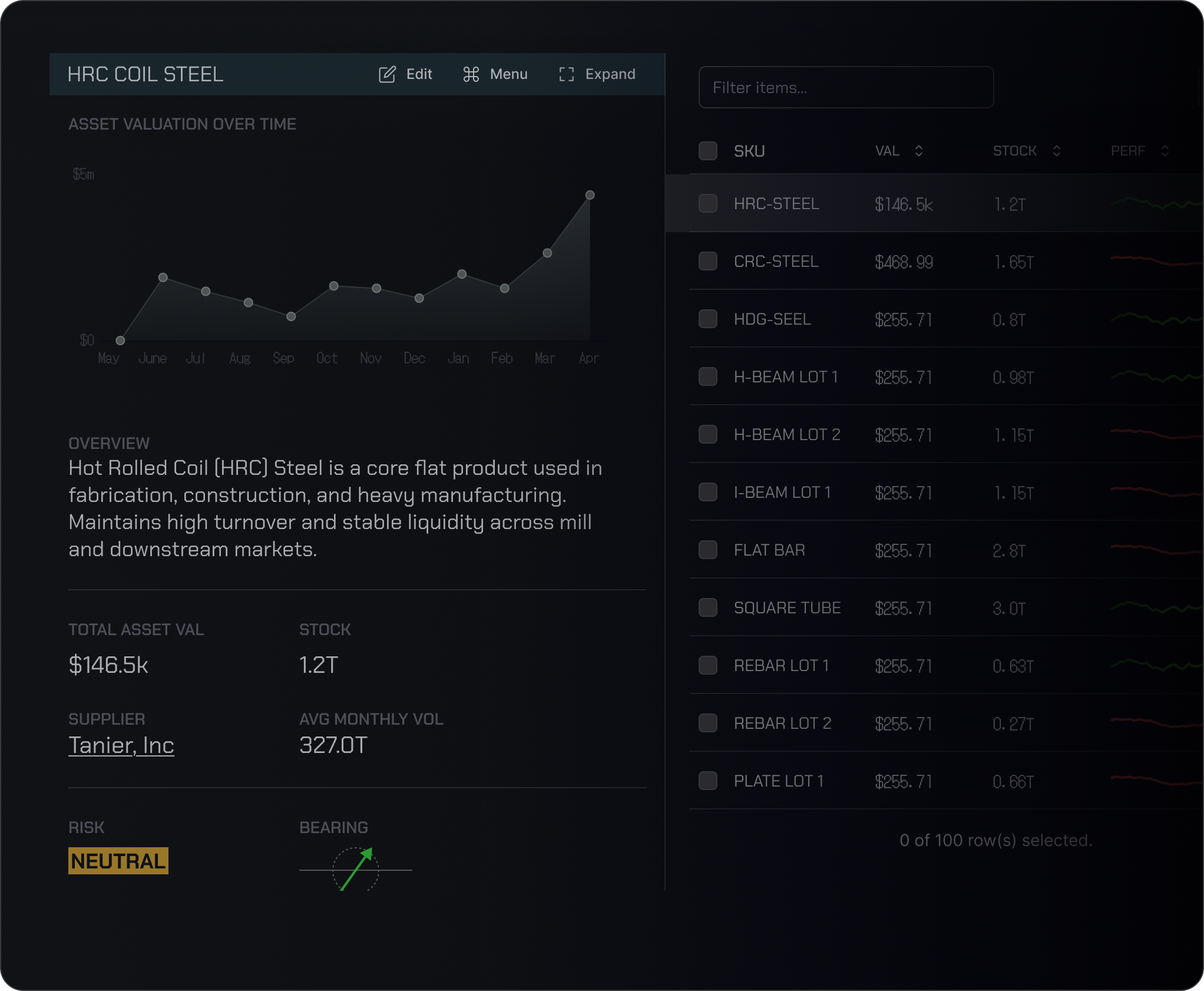
Inventory OS is the system inside Forge that ingests, versions, and governs the asset state of a distributor's business. It is built around one premise: importing an Excel file should stream contents into a live table in under a second. The first kiss of Forge is the moment a distributor uploads their inventory file and watches it materialize as a live, queryable, governed dataset.
The unit of state is the asset — any inventory item carrying a unique column identifier (AUCI). The AUCI is typically the asset's SKU, but can be a lot number or any operator-defined unique key.
How it works
Streaming import. Operators upload an Excel or CSV file. The contents stream into the workspace column-by-column and row-by-row as they are parsed. Empty placements show skeleton loaders. The first usable view is rendered before the file finishes parsing.
Combine strategies. If the organization has no existing inventory, the import becomes the canonical state. If inventory already exists, the operator selects one of two strategies:
- Merge — overwrites matching columns with incoming changes and merges new columns into rows that match on SKU (or operator-specified AUCI). If no SKU is present in the import, the operator is prompted to specify which column should serve as the merge key.
- Overwrite — replaces the inventory entirely. Two safeguards apply: if any SKUs in the inventory being overridden are currently attached to listings with pending tracking records, the inventory is versioned automatically rather than overwritten. If no overridden SKUs are listed, the operator is prompted to version or hard-overwrite.
Versioning. Versioned inventories let operators maintain differing copies of their inventory — any of which can back listings, all of which feed the intelligence layer. Versioned inventories are accessed the same way as the primary. The newest inventory becomes primary by default. Operators can reconcile versioned inventories to merge non-destructively, preserving in-use asset references.
Asset wizard. Operators add new assets manually through the asset wizard, supplying media (product images, certifications, compliance docs) at creation time.
Removal safeguards. When an asset's SKU is currently linked to a listed listing, removal will archive the listing (if the asset is the only SKU on it) or block the action entirely if the asset is linked to a pending tracking record. Blocking operations notify the operator via both email and an in-app dialog with a link to Asset Removal documentation.
Edit governance. Operators can edit any field on an asset except the AUCI. The AUCI is the asset's identity, and identity does not mutate.
How operators use Inventory OS daily
For a distributor, Inventory OS is the surface that lives behind every other action:
- First-day onboarding. A new operator drags an Excel file into the workspace and watches their inventory materialize in seconds. The data is immediately queryable in Converse, visible in Citadel, and ready to back listings on Exchange.
- Daily reconciliation. Operators pulling inventory data from ERP exports merge fresh state into Forge using SKU-keyed merge, surfacing only the changed rows.
- Scenario versioning. Operators considering a procurement strategy version their inventory before applying changes, model the scenario in Citadel, and reconcile back if the scenario commits.
- Listing protection. When operators clean up old SKUs, Inventory OS automatically protects active listings and pending fulfillments — there is no path to accidentally delete state that the rest of Forge depends on.
Why it matters
Industrial software fails most often not because the algorithms are wrong, but because the data layer is too painful to populate. Inventory OS exists to make the cost of onboarding inventory smaller than the cost of not onboarding it. Once the data is in, every other surface in Forge becomes immediately useful.
Inventory OS is live for early-access Forge operators. Drop an Excel file at /access/request to begin.